Free Printable Large Print Puzzles for Seniors and Low Vision
The short answer
You can print a free large print word search, crossword, anagram puzzle or logic puzzle at bossfeed.fun/large-print/ every day, with the answer key already included. There's no account, no email address and no ads. If you'd rather not print, the same puzzles play on screen in the same big type, on a phone, tablet or computer.
That makes them a good fit for seniors, for anyone with low vision or tired eyes, and for anyone printing a sheet for someone who has. The rest of this guide covers what makes a puzzle genuinely readable, what we put on the page each day, and how to get a clean printout from an ordinary home printer.
What "large print" should actually mean
A lot of free large print puzzles online enlarge the grid and leave everything else small. The squares are big, but the clues, the word list and the page labels are still tiny, so the puzzle looks readable and isn't. The clues are the part you actually read, so they have to grow too.
Our glossary entry on large print puzzles puts it plainly: everything has to grow together. Publishing convention puts large print body text at sixteen to eighteen point, with fourteen point as the usual minimum. Size isn't the only thing that matters either. Stroke weight, contrast against the page and the space between letters and lines all affect how easy something is to read, and a heavier weight at the same size often helps more than extra points do.
On our pages, puzzle letters roughly double in size, up to about 42 pixels on screen, and they switch to a heavier weight. The clues, the words to find, the buttons and the small labels underneath scale up with them. The crossword clues sit in one wide column at looser line spacing rather than two cramped ones.
What you can print every day
The large print hub offers five printables, and they change every morning:
- The whole day's pack - Word search, crossword, an anagram ladder, two logic puzzles, a poem and a reading, each puzzle followed by its own answers.
- Today's word search - Three big pages: the grid, the quote to fill in, and the answers.
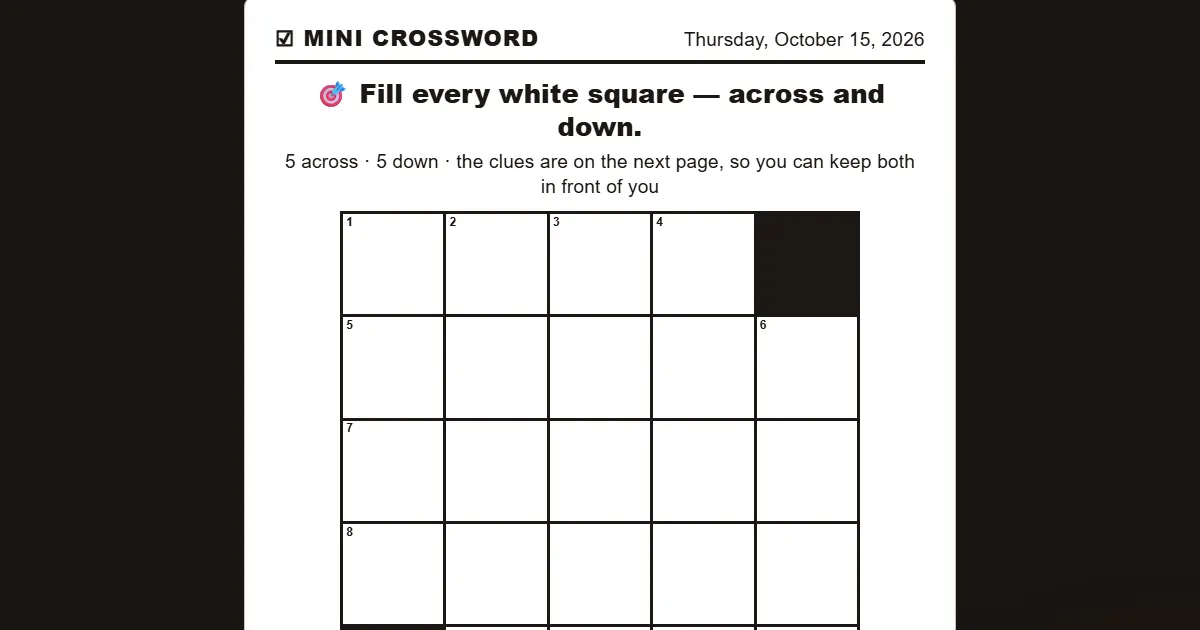
- Today's crossword - Three big pages: the grid on its own with room to write, the clues in one wide column, and the answers.
- Today's anagram puzzle - Two big pages: the letters in boxes with room to write the words in, and the answers.
- Today's logic puzzle - The clues, a grid big enough to pencil into, and the solution after it. Give this one a few seconds to build before you print.
Every sheet comes with its answers, so you never have to go looking for a second page to settle an argument at the table.
How to print one well
Printing is simple, but a few small choices make the sheet nicer to use.
- Open the sheet and press Print - Each button opens the puzzle already typeset large, with a Print button on the page. You don't need to download anything first.
- Print at 100 percent scale - If your print dialog offers "fit to page" or "shrink to fit," turn it off. At full scale the puzzle comes out at the size it was designed to be.
- Use plain paper - Ordinary letter or A4 paper from a home printer is fine. No special paper is needed.
- Want a file instead? - In the print dialog, choose Save as PDF where it asks where to send the page. That gives you a copy to keep or email.
- Pick a pen that suits you - A thick felt-tip or a bold gel pen is easier to see than a thin ballpoint, and a soft pencil is easy to erase on a crossword.
If you're printing for someone else, keep the answer key page separate and hand it over only when they ask.
Word searches for seniors
A word search is the friendliest puzzle there is. There's nothing to know and nothing to remember, just a grid and your eyes. It stops being friendly when the letters are too small to scan comfortably, which is how most free ones look.
Ours is set in oversized letters with space around them. The words you find aren't random either: they slot into a quotation, so finishing the grid finishes a sentence worth reading. You can print the grid and circle words with a pen, or play it on screen, where you drag across a word or tap its first letter and then its last. Our word searches for seniors page has today's grid and more on how it's sized.
Crosswords for seniors
The crossword is a five-by-five mini, which is short on purpose. It's long enough to feel satisfying and short enough to finish over a cup of tea. On screen, you tap a square, read the clue at full size and type, and correct letters lock in as you go. The clock counts up rather than down: it records how long you took, it never runs out, and it never stops the puzzle.
Crossword puzzles for seniors covers the crossword in detail: solving it on screen, and printing it on plain paper with its answer key.
Puzzles to share with someone you're looking after
If you're looking for something to do together on a quiet afternoon, the practical question is whether the puzzle will be frustrating. Ours are built to be calm. There's no opponent, no turn to take, no level that locks and nothing that ends because time ran out. If a page stops being enjoyable, closing it costs nothing, because nothing was saved and nothing was owed.
We don't make claims about what puzzles do for anybody's health, and you won't find any on the page. What we can tell you is what these ones are: large, plain and quiet. Our page on games for seniors with dementia is written for the person sitting next to someone, and it suggests starting with word searches, which tend to be the gentlest.
A few practical tips if you're setting this up for someone:
- Good light and contrast matter - Sit by a window or under a bright lamp, and print in black ink on white paper.
- Offer, don't correct - With a printed sheet and its answer key, you can offer a word or fill one in together instead of leaving something unfinished.
- Keep sessions short - A single puzzle is plenty. Stopping halfway is fine, since the sheet will still be on the table later.
Screen or paper?
Paper still wins for a lot of people, and there's nothing wrong with that. A sheet doesn't run out of battery, doesn't need a password, and can sit half-finished on the kitchen table for two days. Screens win when holding a pen is difficult, or when you'd like the letters even larger.
A tablet is the easiest device for it: a big screen held close, with tap targets sized for a hand that isn't perfectly steady. If you turn large print on with the button, that choice is saved on the device and applies across the whole site. Turning it off is the same button.
What's included, in plain words
- No ads - Nothing flashes, nothing pops up and no video starts on its own.
- No download - The puzzles run inside the browser you already have open.
- No sign-up - There's no account, email address or password. Signing in exists only if you want a streak saved.
- Answers included - Every printed sheet carries its answer key.
- Play alone, at your own pace - You can stop in the middle and come back.
If you want unlimited puzzles with no clock at all, Practice mode is there too.
Frequently asked questions
How large is the large print?
Puzzle letters roughly double, up to about 42 pixels, and thicken to a heavier weight. Everything around the puzzle scales with it, including the clues, the words to find, the buttons and the small labels.
Do I have to buy a puzzle book?
No. Everything in the large print section is free, and there's no paid tier holding better puzzles back. If you want paper, you print it yourself. If you want a screen, you open it and play.
Will it stay in large print?
The large print pages arrive in large print every time. If you turn large print on with the button elsewhere on the site, the choice is saved on that device, and turning it off is the same button.
Does it work on a tablet?
Yes, and a tablet is the easiest device for it. It works the same on a phone, a laptop or a desktop monitor.
How often do the puzzles change?
Every morning. The five printables refresh daily, and every past day stays readable in the archive.
Comments